Desktop Build v1.9.223 Now Active

Your Ultimate Smart IPTV & Media Hub

Built for TV, Fire Stick and Android TV — and now on phone and tablet, too. It comes preloaded with free movies, series and radio, so you can explore the whole experience instantly on any screen, then load your own playlists and sync playback everywhere.

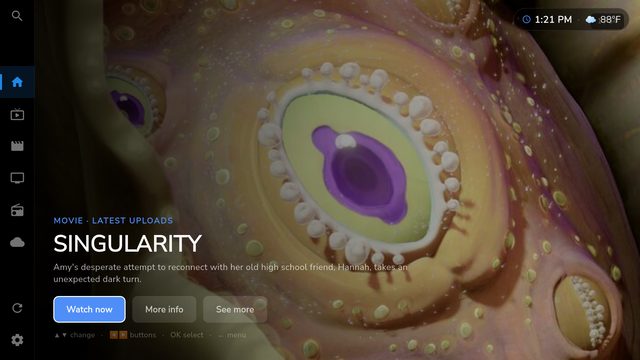
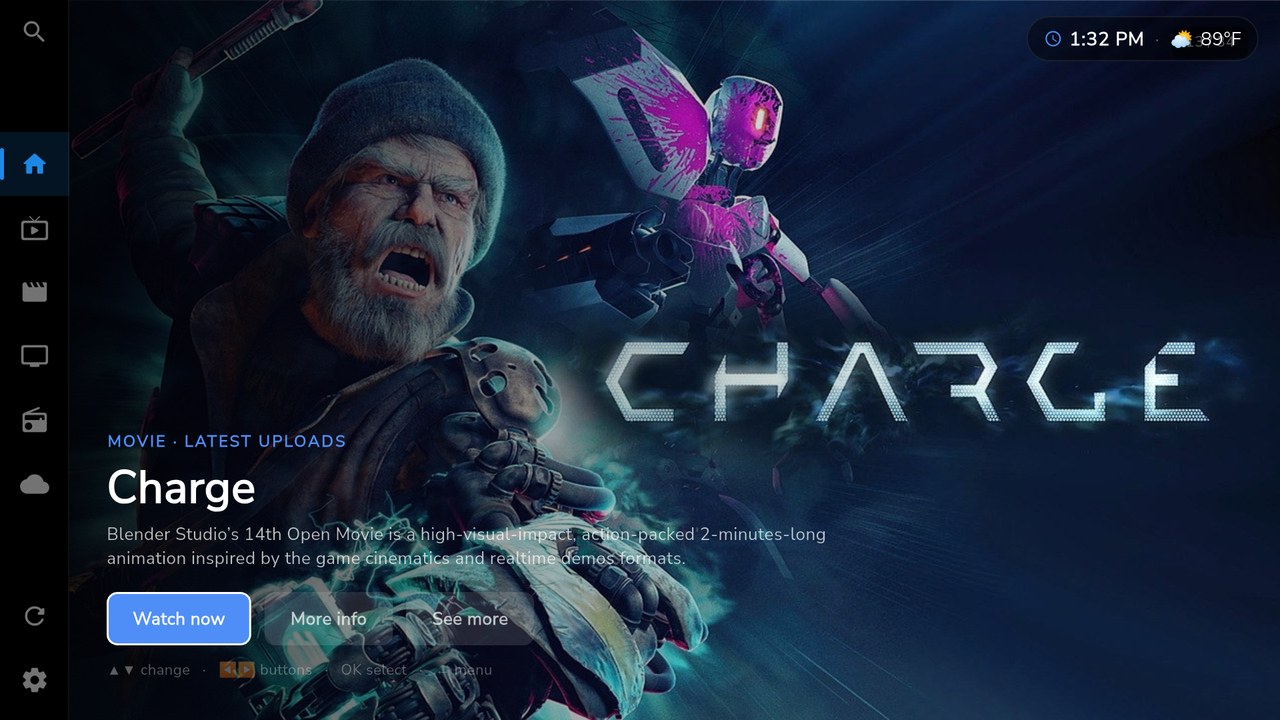
LIVE · CH 01 AXOM Player Home Screen
📺 Live TV
🎬 Movies & Series
📻 Radio Channels
5+ Platforms Supported
100% Ad-Free Experience
$1.49 Per Month Premium
5 Screens Per Account
99.9% Uptime SLA

Designed for the Ultimate Media Control

AXOM Player brings high-end features to your home theater screen setup.

📑

IPTV & M3U Player

Load standard M3U/M3U8 playlist URLs or select local storage playlist files effortlessly.

🗂️

Auto Organization

Algorithms automatically separate TV streams, cinema releases, season series, and radio stations.

🎮

TV Remote Nav

Optimized first-class D-Pad navigation structure built for smooth Fire Stick and Android TV control.

👥

Profiles & Households

Create distinct profiles for family members, securing histories, logs, and parental access.

⚡

Premium Cloud Sync

Maintain playlists, dynamic history logs, and profile records synchronized automatically across screens.

🍿

Continue Watching

Never lose track. AXOM Player tracks playback locations and prompts you to resume on other devices.

👁️

Parental & Playlist Controls

Hide adult channels, configure specific playlist category rules, or lock lists via profile PINs.

🕹️

AXOM Games Ecosystem

Preparing the player for future cloud mini-games support directly on your living room TV screen.

Zero setup

Try It Instantly — Free Content Preloaded

Every install ships with free, openly-licensed movies, series and radio. Explore the interface, posters and playback before adding a single playlist of your own — no account, no configuration, no waiting.

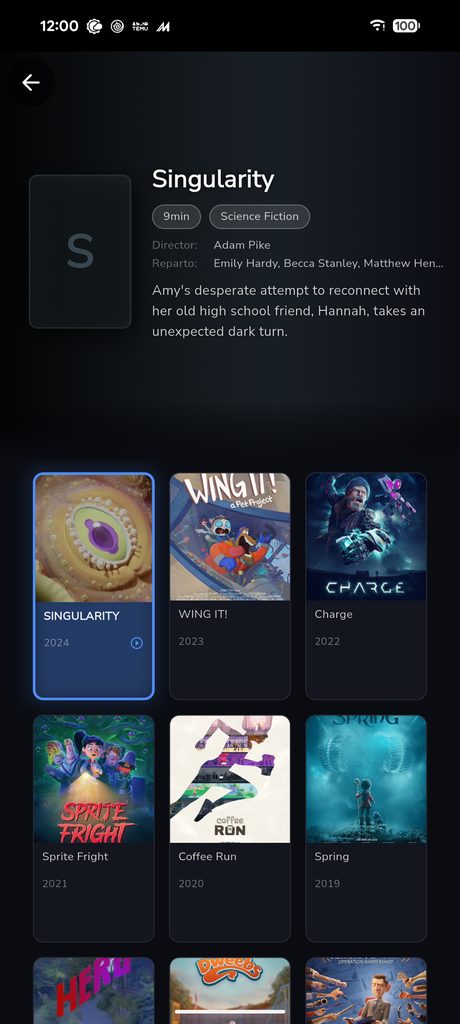
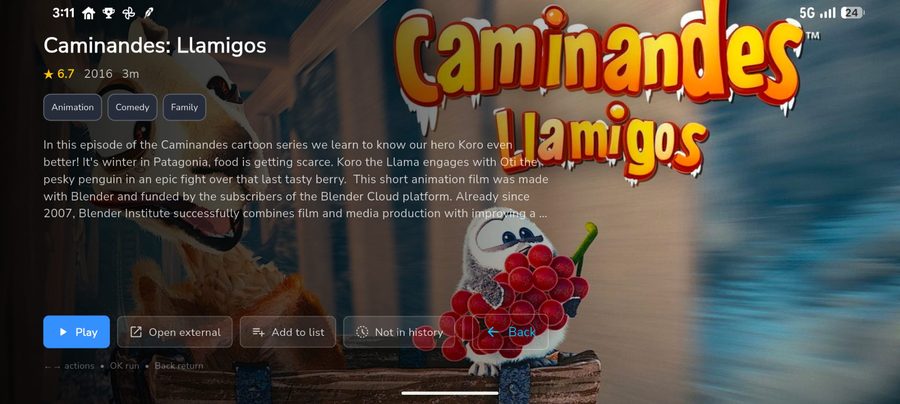
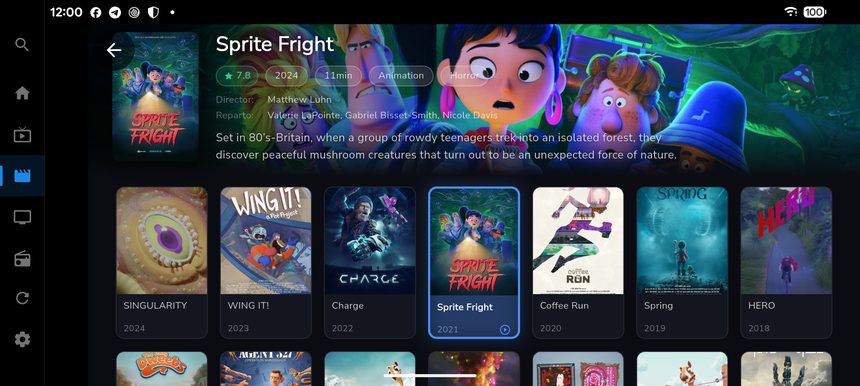
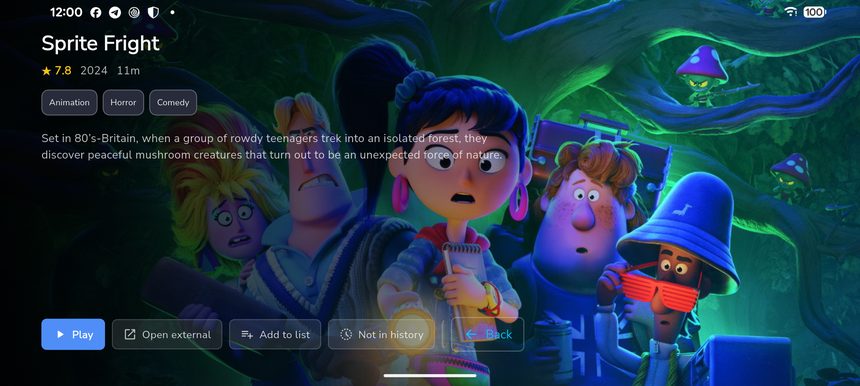
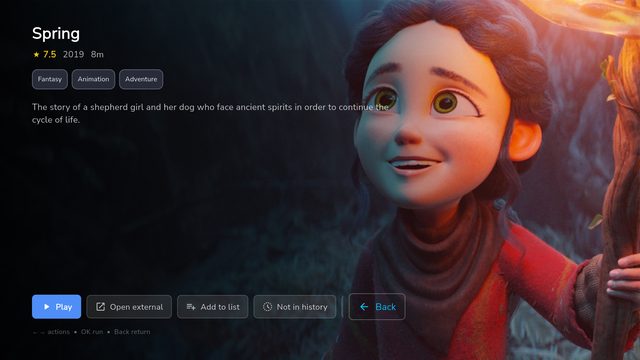
AXOM Player movie detail
Movies — detailed pages
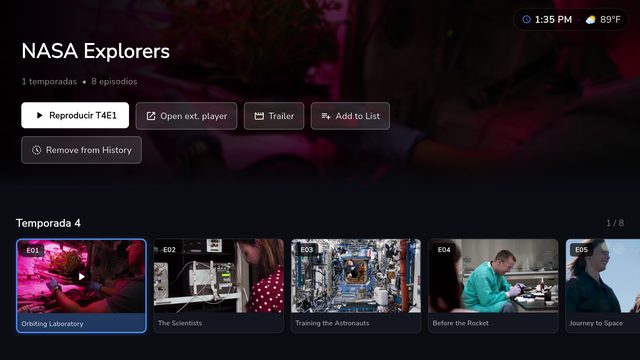
AXOM Player series episodes
Series — seasons & episodes
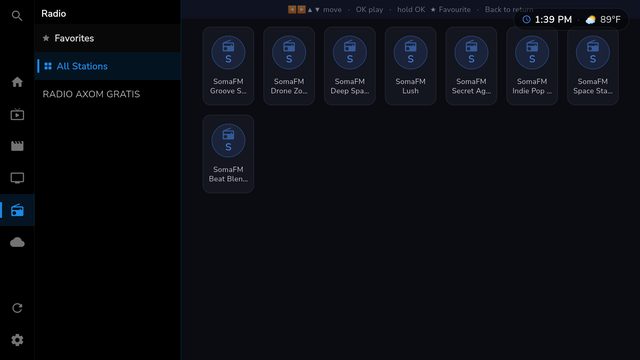
AXOM Player free radio stations
Radio — free stations
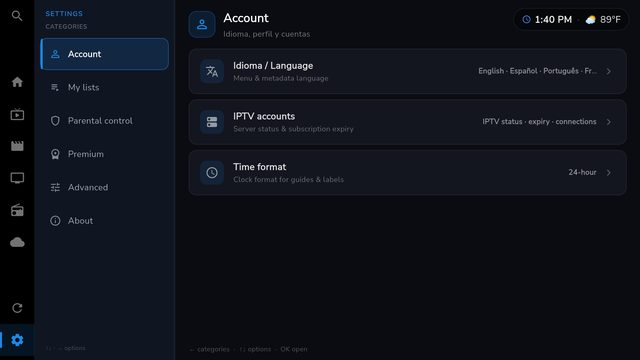
AXOM Player settings and languages
Settings — 4 languages
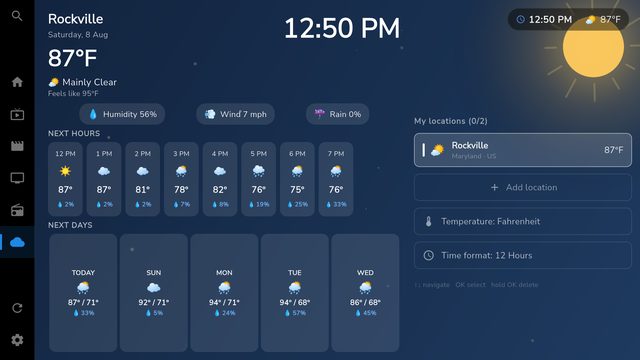
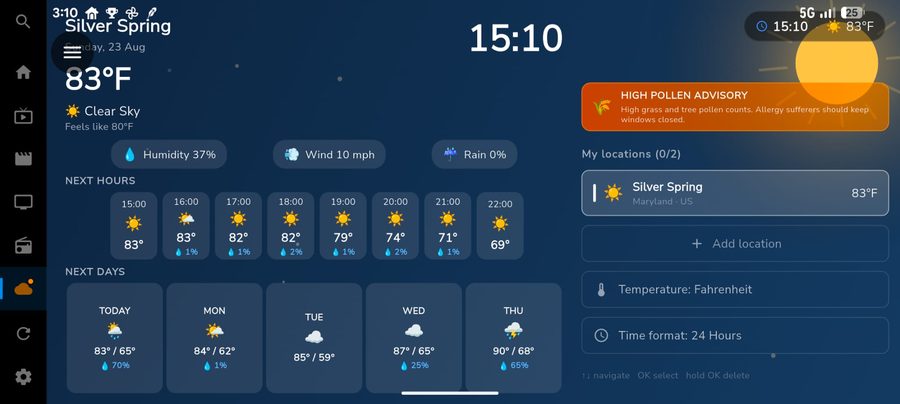
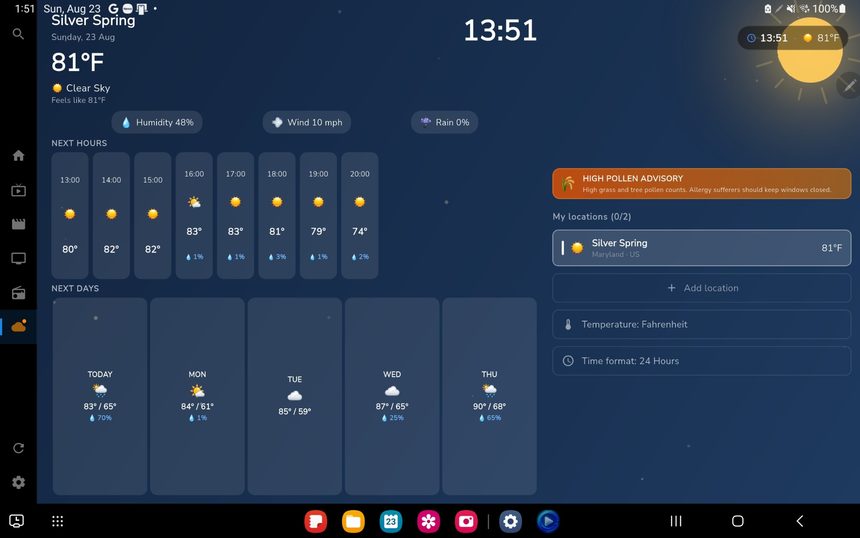
AXOM Player weather panel
Weather — at a glance
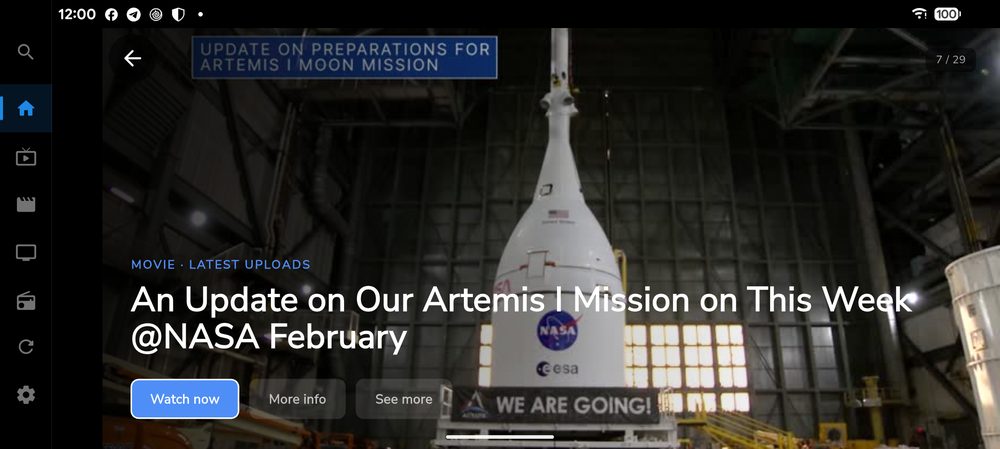
AXOM Player home screen
Home — cinematic hero
🎬 Open-source movies 📺 Documentary series 📻 Free internet radio 🌤️ Live weather 🌐 4 languages built-in

Designed First for Large Screens

Many media player designs are simply blown-up mobile apps. AXOM Player is completely re-architected from the ground up to prioritize TV screens, D-pads, and fluid remote navigation, creating a cinema-like UI.

Poster & Backdrop API Layouts
Fire Stick & Fire TV Optimized
D-Pad Controller support
Android TV Box compatible
Touch-first

Made for the Big Screen — Now in Your Pocket

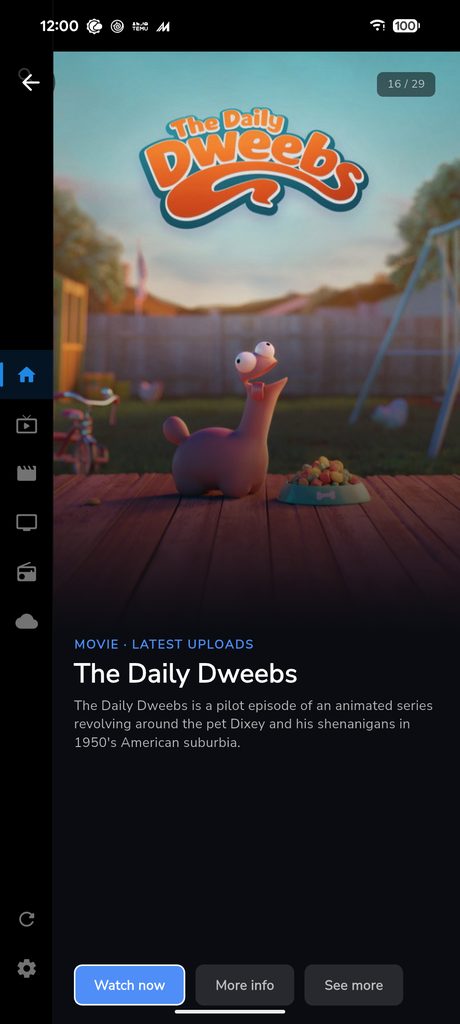
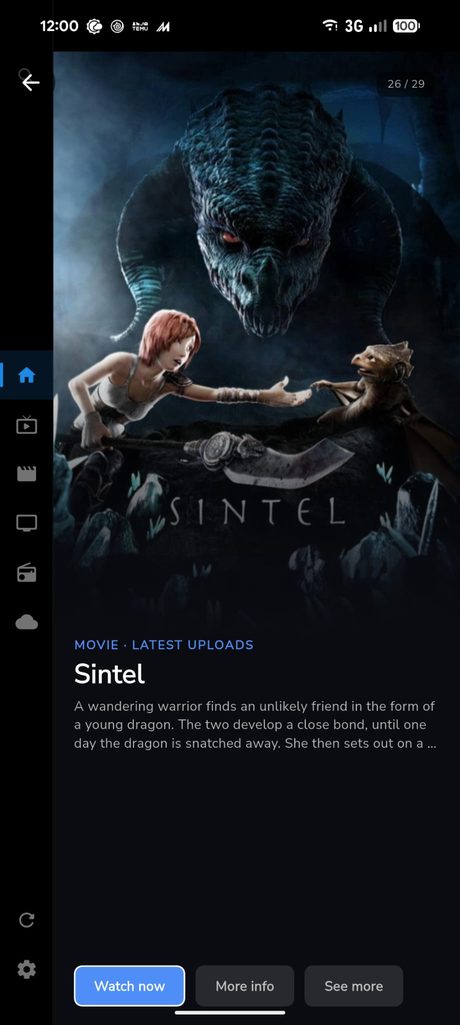
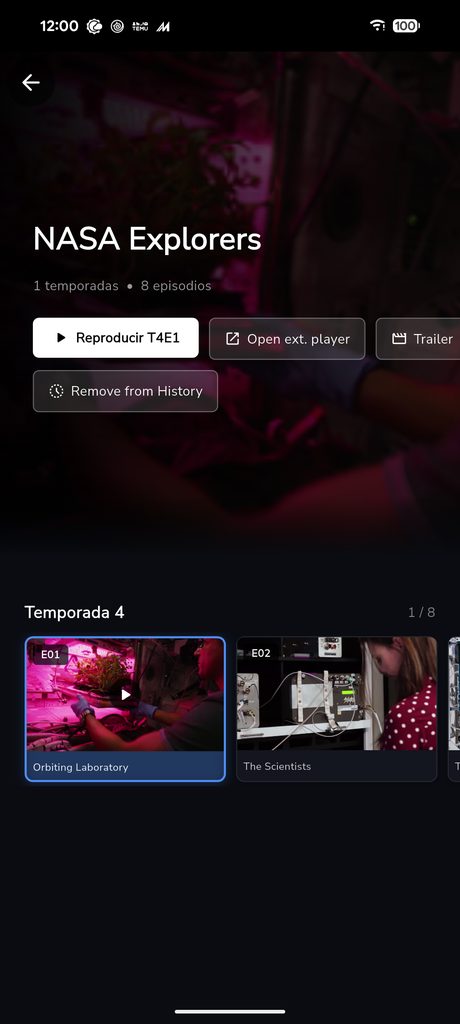
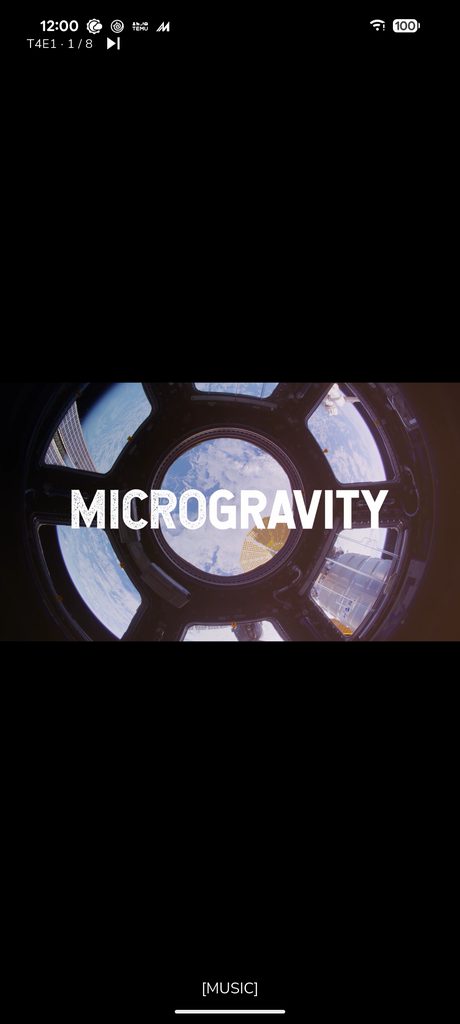
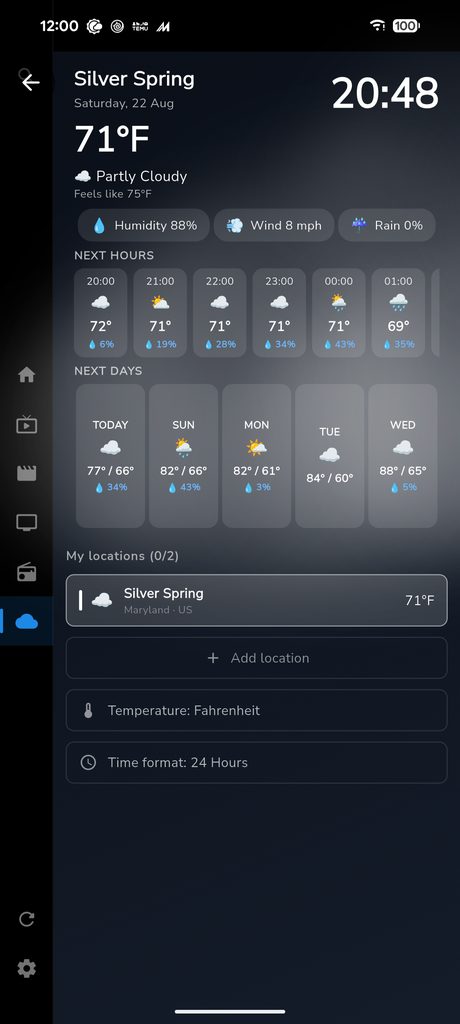
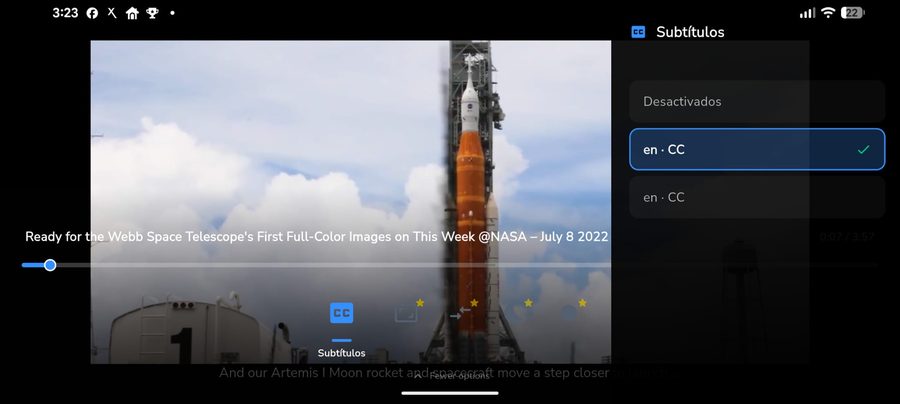
AXOM Player started TV-first, and now brings the same experience to phone and tablet with a fully touch-optimized interface — the same free preloaded content, your own playlists, and cloud sync, redesigned for smaller screens.

Pick your device to see how AXOM Player looks on it.

👆 Touch-optimized navigation 🔁 Portrait & landscape layouts 🎬 Same free preloaded content ☁️ Playlists & cloud sync
🎮

AXOM Games — Coming Soon

We are preparing a futuristic extension to your TV entertainment. AXOM Games will bring clean, high-performance social party games and family quizzes directly to your living room screen, utilizing your smartphones as D-pad remote controllers.

🎮 Multiplayer TV + Mobile Sync
👥 Social Household Leaderboards
⚡ Zero-Lag Supabase Realtime Sync
Progress & History

159 improvements in one month

From July 25 to August 23 — v1.9.142 → v1.9.223. Here is everything we shipped, for every screen.

80×
Faster startup (32s → 0.4s)
Free
Content included
4
Languages
3
Screen types (TV · Mobile · Tablet)

🎁 For everyone

  • Free content included: Blender open movies (CC-BY), NASA+, documentaries, and series with seasons & subtitles, plus radio.
  • Movies and series with real titles and stills from TMDB.
  • New billboard-style home screen.
v1.9.142 → v1.9.223

📱 New on mobile & tablet

  • Touch-first version in the style of Netflix, Hulu and Disney+.
  • Continue watching across the whole app.
  • Redesigned touch player.
v1.9.142 → v1.9.223

⚡ Fast & in your language

  • 80× faster startup (32s → 0.4s).
  • 4 languages: English, Spanish, Portuguese and French.
  • Multi-playlist support, TiviMate style.
  • Built-in auto-update.
v1.9.142 → v1.9.223

🔒 Premium & trust

  • Cross-device sync of history, progress and profiles.
  • Built-in weather.
  • Your credentials never leave your device.
  • Final production signing key.
v1.9.142 → v1.9.223
Download

Get AXOM Player free

Windows, Fire TV, Android TV, phone and tablet — with official store apps on the way.

Get it onGoogle Play Coming soon
Download on theApp Store Coming soon

Access the Full Premium Experience

Unlock robust features designed to synchronize your media configuration seamlessly across your households.

AXOM Free

$0 / forever
  • ✓ 1 Local playlist URL/file
  • ✓ Automated categories organization
  • ✓ Basic media playback engine
  • ✓ Local configuration & settings
  • ✕ Multi-profile secure support
  • ✕ Secure cloud account synchronization
  • ✕ Remote pairing & QR setup
Get Free Build
Best Value

AXOM Premium

$1.49 USD / month
✦ Less than $0.05 / day
  • ✓ Up to 5 concurrent connected devices
  • ✓ Create distinct household profiles
  • ✓ Sync custom playlist config rules
  • ✓ Sync history, progress & listings
  • ✓ Activate easily via TV QR/codes
  • ✓ Set up secure profile PINs & controls
  • ✓ Priority access to new releases

Subscribing methods will open when Stripe checkout gateway is completed.

Frequently Asked Questions

Have questions about AXOM Player? Here are standard answers.

Does AXOM Player provide or include IPTV playlists?

+

AXOM Player does not sell or provide IPTV subscriptions or copyrighted channels — you always supply your own M3U playlists. That said, the app comes preloaded with free, openly-licensed demo content (open-source movies, public-domain documentary series and free internet radio) so you can explore navigation and playback right away, before adding a single list of your own.

How do I run AXOM Player on my TV?

+

You can install the app on your Android TV or Fire Stick. The application will present a brief activation screen containing a QR code and a 6-digit linking code. Scan the QR code or navigate to our activate portal on your phone or desktop to instantly link the screen with your user account.

Does the player require a premium subscription to work?

+

No. The free mode supports local playlist loading and basic playback perfectly on individual devices. Premium features are entirely optional and are intended for those who wish to synchronize accounts, histories, rules, and profiles across multiple screens concurrently.

Can I test the player on my Windows computer?

+

Yes! We have a dedicated Windows standalone testing executable (.exe) available on our download center, enabling users to test navigations, playlist parsing, and layout behaviors using keyboard arrow keys or standard controls before loading it onto their Fire Sticks.

⚠️
Important Legal Notice
AXOM Player acts strictly as a user interface shell. We do not approve, promote, or facilitate access to third-party streaming content or copyright-infringing portals. Users assume 100% legal responsibility for ensuring they have appropriate rights and permissions to play any playlist they load.